free Estimate file
Free estimate template for the United States
Create a clear pre-sale estimate for United States customers before the job is accepted. The template includes editable line items, estimate number, valid through, sales tax placeholders, and local business ID fields.
- ✓Includes state sales-tax ID if used, customer billing address, job or project reference.
- ✓Uses USD ($) and MM/DD/YYYY date guidance.
- ✓An estimate is not a request for payment and state sales-tax treatment can vary.
Prefer to fill it out online? Open the estimate generator.

Estimate
United States template preview
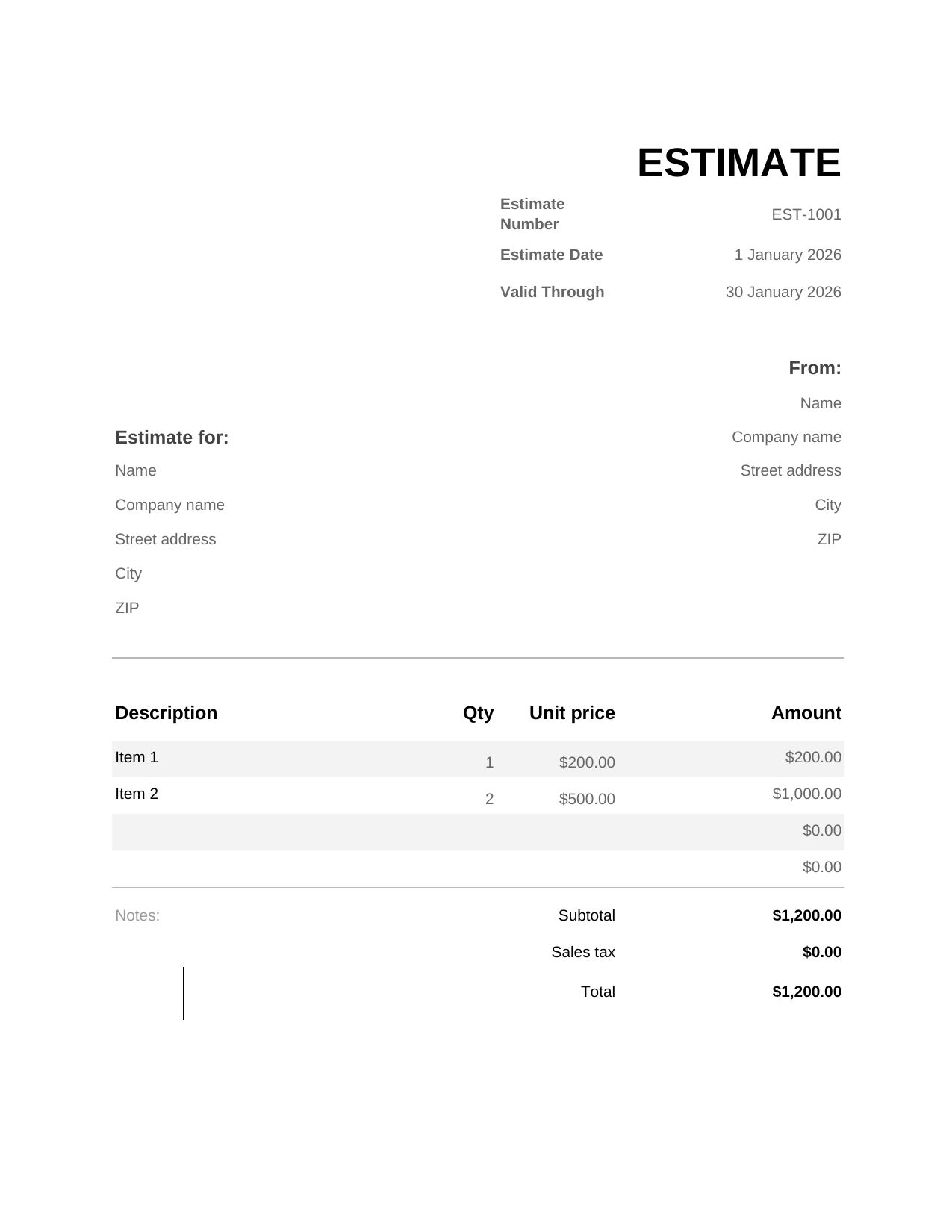
Preview generated from the same local labels and tax terminology used in the downloadable template.
How to use this estimate template for the United States
An estimate is best used before the customer has committed to the work. It gives a realistic price indication while leaving room for final confirmation, site inspection, material changes, or customer approval.
For United States, the important SEO and compliance detail is language: call this document a estimate, include local business identifiers such as state sales-tax ID if used, customer billing address, job or project reference, and keep it separate from a final invoice.
Estimate and sales tax in United States
An estimate is not a request for payment and state sales-tax treatment can vary. Use the estimate to set expectations before work starts, then issue a quote, invoice, or receipt when the sale is confirmed.
Fields included in the template
Estimate number
Keeps drafts and revised estimates traceable before the customer approves the work.
Valid through
Protects pricing when labour, materials, tax rates, or exchange rates change.
Project scope
Explains exactly what is and is not included in the estimated price.
state sales-tax ID if used, customer billing address, job or project reference
Makes the document feel native to United States business paperwork.
sales tax estimate line
Shows expected tax treatment without pretending the estimate is a final tax invoice.
What to include
- Estimate number, issue date, and valid through.
- Seller details, buyer details, and state sales-tax ID if used, customer billing address, job or project reference where relevant.
- A clear project scope with assumptions and exclusions.
- Line items for labour, materials, fees, discounts, subtotal, sales tax, and total estimate.
- Notes explaining that the estimate may change if the customer changes the scope.
Estimate, quote, or invoice?
Use an estimate when price is still approximate. Use a quote when the price is intended to be accepted as a firmer offer. Use an invoice when the customer should pay for confirmed goods or services.
This distinction matters for United States because a pre-sale estimate should not be confused with a tax invoice, fiscal invoice, or official e-invoice workflow.
How to customise the file
- Download the Excel or Word version, or use a Google copy link when available.
- Replace the sample business details with your United States business name and ID fields.
- Add customer details, project scope, line items, and valid through.
- Review sales tax wording before sending the estimate.
- Save a copy and convert it to a quote or invoice only when the customer approves the next step.
Choose the best format
Excel
Calculated line items, materials, labour, discounts, and estimated tax.
Word
Simple printable estimates, services with fixed packages, and email attachments.
Google Sheets
Collaborative estimates that need totals, formulas, and shared editing.
Google Docs
Text-heavy scopes of work, terms, assumptions, and acceptance notes.
Related business document templates
Frequently asked questions
Is this estimate template legally the same as an invoice in United States?
No. It is a pre-sale estimate. It helps explain likely price and scope, but it should not be treated as a final invoice or sales tax document.
What fields should a United States estimate include?
Include your business details, customer details, estimate number, date, valid through, project scope, line items, totals, and local fields such as state sales-tax ID if used, customer billing address, job or project reference where relevant.
Should I use Excel, Word, Google Sheets, or Google Docs?
Use Excel or Google Sheets when you need formulas and calculated totals. Use Word or Google Docs when the estimate is mostly text, scope notes, and simple pricing.
When should I use a quote template instead?
Use a quote template when the customer needs a firmer price with acceptance terms or an expiry date. An estimate is better when the price may still change.
Can I include sales tax on the estimate?
You can show expected sales tax treatment as a pricing estimate, but do not present the file as a final tax invoice or official e-invoice unless it has been converted into the correct final document.


