Editable US construction template
US construction invoice template
Download a reusable invoice template for US construction billing, subcontract work, remodels, draw requests, change orders and retainage. Keep job site, contract reference, billing period, materials, labor, equipment, prior payments and balance due in one editable file.
- ✓Built for job-site billing, progress draws, change orders, retainage and previous payments.
- ✓Separates materials, labor, equipment, subcontract work, permits and tax notes.
- ✓Available in Google Sheets, Google Docs, Excel and Word.
Prefer to fill it in online? Open the US construction invoice generator.

Construction invoice template
Editable US format
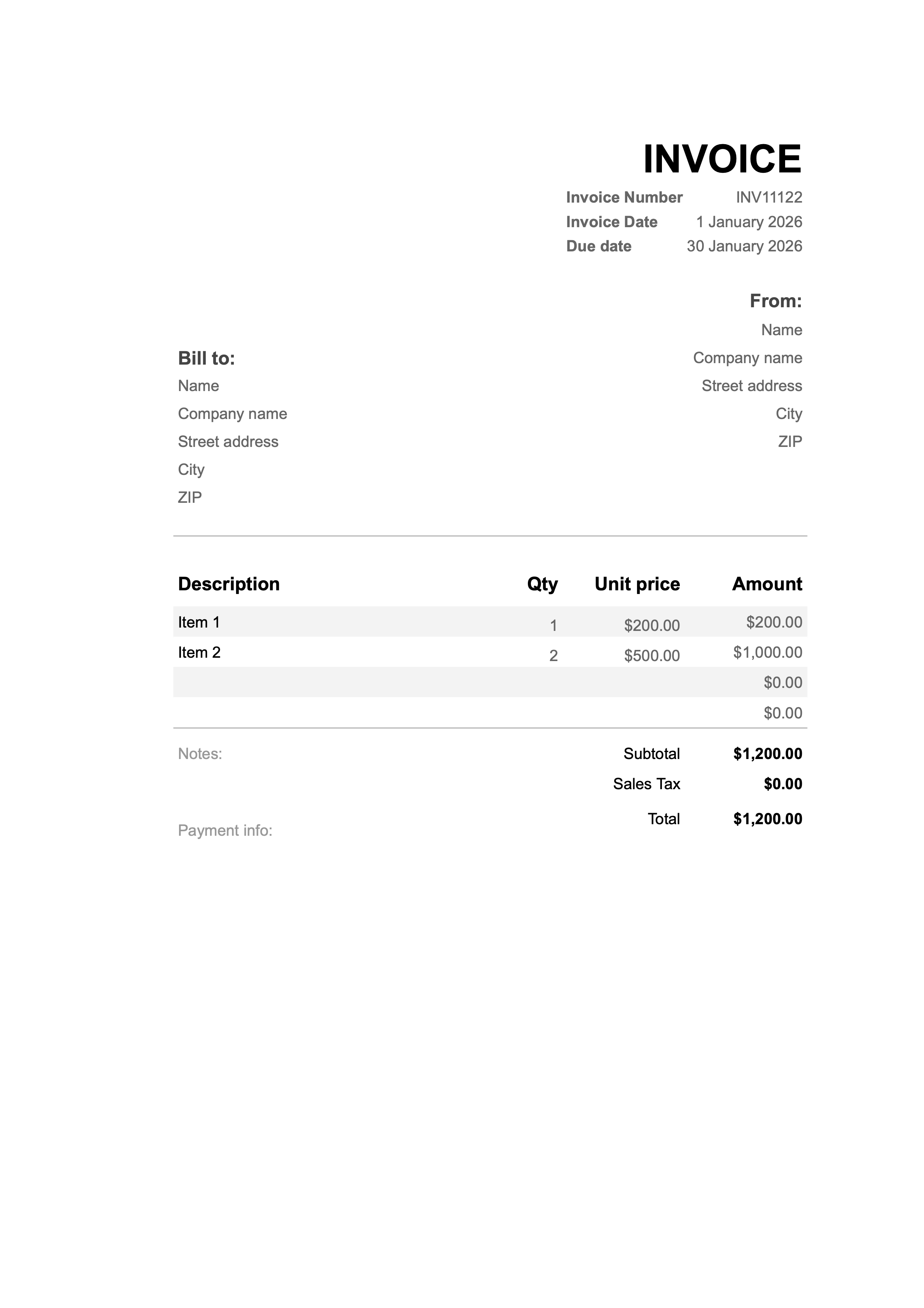
Designed as a master file for US contractors who need project, draw, change-order and retainage details visible.
Free invoicing app

Trusted by 3,000,000+ businesses worldwide
Send invoices in seconds, track payments, and stay on top of your cash flow — all from your phone with the Invoice24 mobile app.
How to use a US construction invoice template
A US construction invoice template should preserve the project trail: job site, contract, purchase order, billing period, draw number, change orders, retainage, deposits, previous payments and balance due.
Use the template as a master file for progress billing, subcontract packages, remodeling jobs or final invoices. Duplicate it for each draw or job and save the issued copy with the contract, approvals and payment record.
Fields to keep in the template
- Contractor name, address, license number where applicable and payment details.
- Customer, owner, general contractor or property manager billing details.
- Job site, project name, contract, quote, PO and draw number.
- Billing period, percent complete, previous payments and current amount due.
- Labor, materials, equipment, subcontract work, permit fees and change orders on separate lines.
- Retainage withheld, retainage released, deposits and balance due.
Progress billing and retainage
Use a spreadsheet template when you need formulas for current draw, previous draws, retainage and remaining balance. Use Docs or Word when the invoice needs narrative scope notes, lender package wording or approval references.
Retainage should appear as its own line or calculation. Do not hide it inside the description, because the cash due today may differ from the contract value earned to date.
State tax and contract type
Construction sales tax is state-specific. Texas guidance shows how residential repair, nonresidential repair, lump-sum contracts and separated contracts can be treated differently. New York guidance distinguishes capital improvements from taxable repair and maintenance work.
The template gives you the structure to separate materials, labor and project references, but you still need to apply the state rule for the job location and contract.
FAQs about US construction invoice templates
Can this handle progress billing?
Yes. Use draw number, billing period, previous payments and retainage fields to track each stage.
Should change orders be separate?
Yes. List each approved change order separately with its reference or approval date.
Does this replace a lien waiver?
No. The invoice is for billing. Prepare any lien waiver, notice or sworn statement separately when required.


